Blogs
Azure Landing Zone: Setting Up a Secure Customer Environment (A Practical Guide for FDEs)
Azure Landing Zone: Setting Up a Secure Customer Environment (A Practical Guide for FDEs)
By
R&D, FDE Academy
October 28, 2026

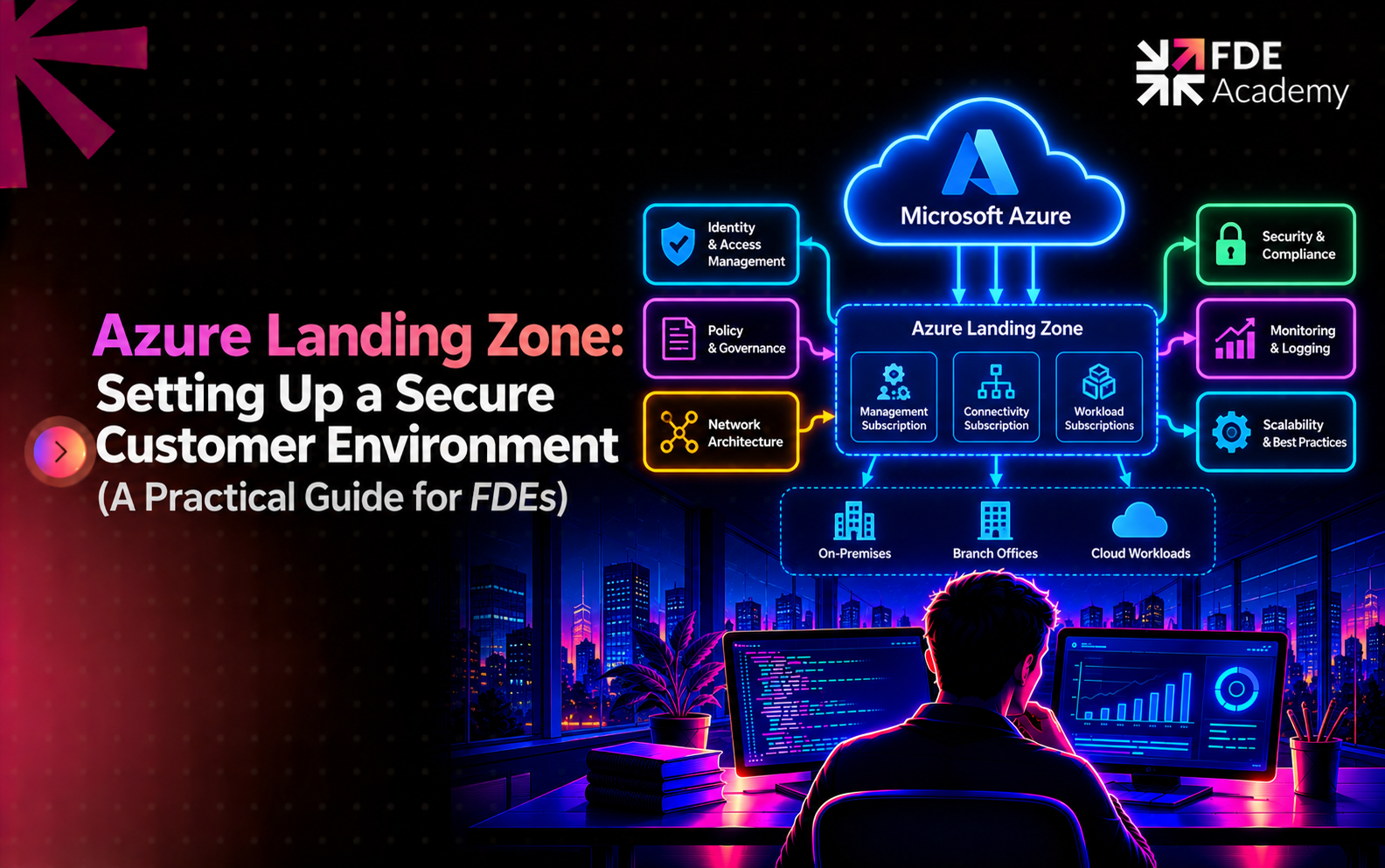
Microsoft defines an Azure landing zone as "a proven and flexible architecture for governing, securing, and scaling a multi-subscription Azure environment." It has two parts:
Older articles and consultancy pages call the second part an "application landing zone." Microsoft's current documentation says "workload landing zone," so use that term in customer documents.
Forward deployed engineers rarely start from a blank tenant. You usually meet one of three situations:
In all three, security reviews will ask landing zone questions even if they do not use the phrase. Our comparison of forward deployed engineer vs cloud engineer explains where your remit ends and the platform team's begins, and the FDE project lifecycle shows where environment discovery belongs: early.
Microsoft lists five design principles for landing zones. In short:
The practical message: give teams room to move, and enforce safety through policy rather than tickets.
Microsoft groups landing zone decisions into eight design areas across two sets.
When you review a customer's setup, walk these eight in order. Gaps tend to cluster in identity, network and governance.
Management groups organise subscriptions into a hierarchy and apply governance to everything beneath them. Microsoft's reference separates platform resources from workload resources. Workload subscriptions sit under a "Workload landing zones" management group, in categories such as Online, Internal ("Corp") or Local. Platform subscriptions typically hold shared services such as identity, management and connectivity.
Subscriptions are the unit of delegation and isolation. Giving each workload its own subscription limits blast radius and makes cost and access easier to reason about.
Policies and role assignments attach to management groups, so every subscription below inherits them. This inheritance is what makes guardrails scale.
Microsoft describes a policy as "the business rule to be applied within your organization," and an initiative as a set of policies combined to simplify management. Assignments associate them with a scope, which can be a management group, subscription or resource group, and "all child resources inherit the assignments of the parent resource." Non-compliant resources can be handled with remediation tasks, and exemptions cover justified exceptions.
Here is an example custom definition that denies resources created outside approved regions. I syntax-checked this JSON but did not deploy it to a tenant, so test it in a sandbox first:
json
{
"properties": {
"displayName": "Allowed regions for customer landing zone",
"policyType": "Custom",
"mode": "Indexed",
"parameters": {
"allowedLocations": {
"type": "Array",
"metadata": { "displayName": "Allowed locations", "strongType": "location" }
}
},
"policyRule": {
"if": { "not": { "field": "location", "in": "[parameters('allowedLocations')]" } },
"then": { "effect": "deny" }
}
}
}
Data residency is a common reason for this rule. Policies can also audit instead of deny, so start new controls in audit mode to see what would break, then tighten. Our guide on HIPAA, GDPR and SOC 2 for FDEs shows which customer obligations tend to become policies, and AI governance for forward deployed engineers covers the organisational side.
Identity. Microsoft calls identity and access management a primary security boundary and "the foundation for any secure and fully compliant architecture." In practice, use groups instead of individual role assignments, apply least privilege, avoid standing broad access for engineers and keep a documented emergency-access process. As an FDE, ask for a named identity with scoped access in the customer's tenant rather than a shared account.
Network. Microsoft's documentation names hub-and-spoke and Virtual WAN as reference topologies, with a connectivity subscription holding the hub networks and a firewall. Whichever the customer chose, your questions are the same:
Network surprises are the most common cause of "it worked in dev, fails in the customer's production."
Microsoft lists three standard options for deploying a platform landing zone.
For sovereign clouds, Microsoft says these automated options are not supported; the architecture is supported, but your platform team must adapt the deployment assets manually. Bicep and Terraform are the ones that can be modified for that purpose.
Two further points from the same page. First, workload subscriptions can be created through subscription vending modules (Bicep and Terraform versions exist), which orchestrate deployment of an individual workload landing zone. Second, Microsoft mentions Enterprise Policy as Code (EPAC) as an alternative for managing policy, and warns that you cannot easily change policy governance methods after you establish them. Evaluate the default approach first and confirm your choice before you commit.
Choose Terraform or Bicep to match the customer's existing skills and pipelines, not your own preference.
Microsoft's current conceptual architecture shows Microsoft Foundry as optional AI capabilities connected to selected workload landing zones, under a layer of unified identity, security and governance. The takeaway for FDEs: AI services are workloads. They inherit the same management groups, policies and network rules as everything else.
That has practical effects. Data pipelines such as Azure Data Factory and Azure Databricks need approved network paths and identities. Application code, such as that built with Semantic Kernel, runs in a workload subscription with scoped credentials. For the broader picture, see how FDEs build enterprise AI platforms. If the customer cannot allow any outside connection, the air-gapped AI deployment guide covers that extreme.
This is a hypothetical example to show the approach; the institution and details are invented.
A regional bank wants an AI assistant that answers staff questions from internal policy documents. The bank already has a platform landing zone. Our broader view of AI in banking explains why such projects are sensitive.
Discovery. The FDE reviews the hierarchy and finds a "Corp" management group for internal workloads, with policies that deny public IP addresses and restrict regions.
Plan. The team requests a new subscription under Corp through the bank's vending process. Services use private endpoints, and engineers receive time-bound access through groups.
Friction. The first deployment fails because a policy denies a storage setting the template used. Rather than ask for an exemption, the team changes the template to comply. One genuine exception, for a diagnostic setting, goes through the bank's approval process and is recorded.
Result. The workload passes security review faster because it sits inside controls the reviewers already trust.
An Azure landing zone is Microsoft's reference architecture for governing, securing and scaling a multi-subscription Azure environment. It combines a platform landing zone with workload landing zones where teams deploy within shared guardrails.
The platform landing zone is the centralised foundation: management groups, governance, security and shared resources. A workload landing zone is the environment for one workload, such as development, test and production, operating within the platform's rules.
There are eight: Azure billing and Microsoft Entra tenant, identity and access management, resource organisation, network topology and connectivity, security, management, governance, and platform automation and DevOps.
Microsoft lists portal, Bicep and Terraform options for platform landing zones in the public cloud. Bicep and Terraform use Azure Verified Modules and are customisable. Sovereign clouds need manual adaptation.
Because a customer's landing zone decides where your workload can live, how it connects, who can access it and which policies apply. Understanding it early prevents security-review delays.
AI workloads are treated as workloads. They run in workload landing zones and inherit the platform's identity, policy and network controls. Optional AI services such as Microsoft Foundry connect to selected workloads.
The world is hiring - and this Academy prepares you for it.