Blogs
Bicep vs Terraform: Infrastructure as Code for Azure Deployments (A Practical Guide for FDEs)
Bicep vs Terraform: Infrastructure as Code for Azure Deployments (A Practical Guide for FDEs)
By
R&D, FDE Academy
October 30, 2026

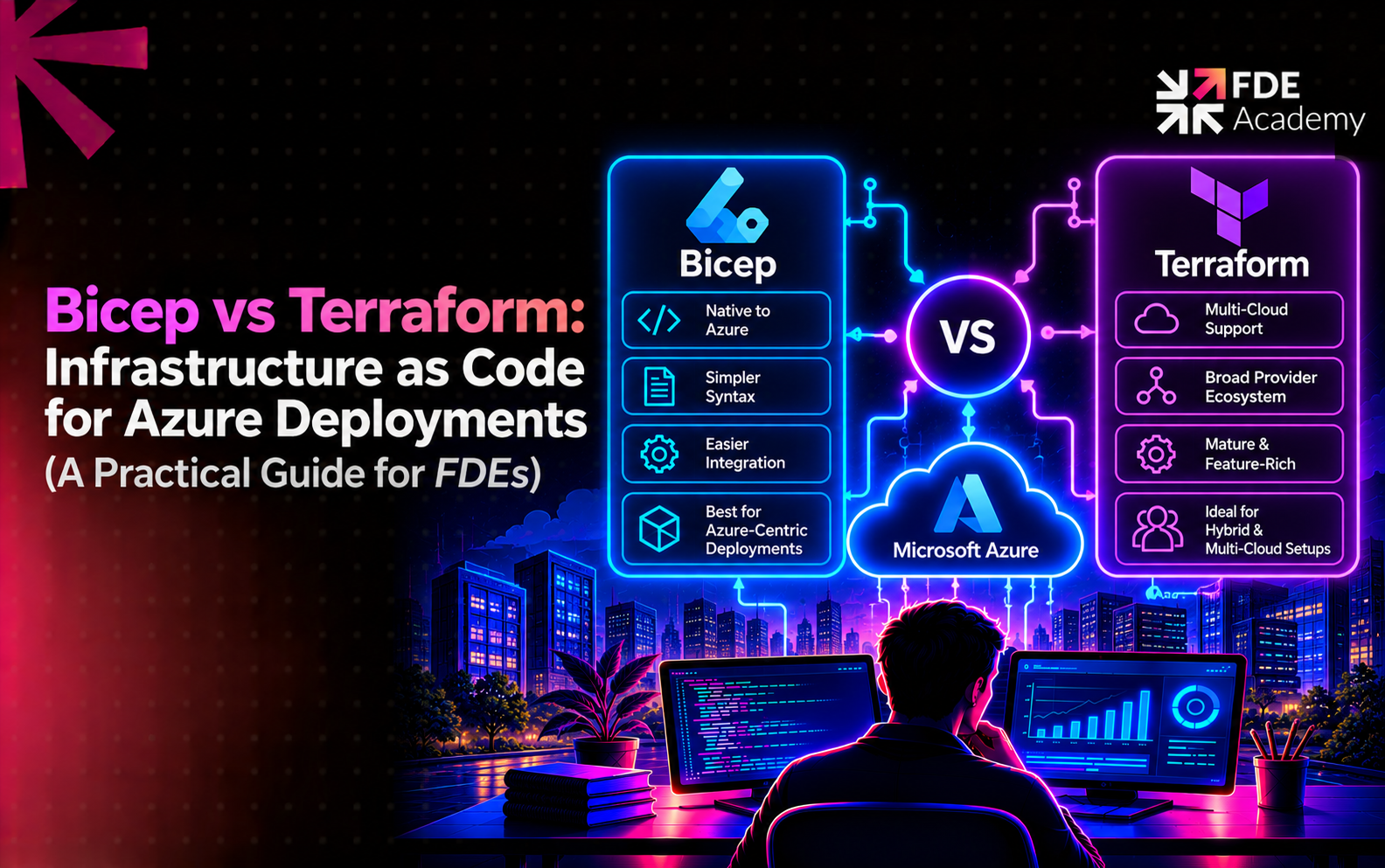
Infrastructure as code (IaC) means defining cloud resources in files that are versioned, reviewed and deployed automatically, instead of configured by hand. For FDEs it matters for three reasons: environments become repeatable across dev, test and production; changes leave an audit trail that governance teams ask for; and your work survives handover because the customer's team can read and rerun it. The Azure landing zone that governs a customer's tenant is itself deployed as code.
Microsoft defines Bicep as "a domain-specific language that uses declarative syntax to deploy Azure resources." Key points from its documentation:
Terraform is an infrastructure as code tool created by HashiCorp and first released in 2014. You write configuration in HashiCorp Configuration Language (HCL), and Terraform uses providers to talk to platforms such as Azure, other clouds and on-premises systems. Microsoft's comparison says Terraform stores state about managed infrastructure and that "it's critical to back up and secure your state files." The Azure-specific parts are the azurerm provider and, for state, a backend in Azure Storage.
Here is a storage account with secure defaults, first in Bicep. I compiled this with Bicep CLI 0.48.1 and it built cleanly with no warnings:
bicep
@description('Azure region for the resources')
param location string = resourceGroup().location
@allowed([
'dev'
'prod'
])
param environment string = 'dev'
var storageName = 'st${environment}${uniqueString(resourceGroup().id)}'
resource storage 'Microsoft.Storage/storageAccounts@2023-05-01' = {
name: storageName
location: location
sku: { name: 'Standard_LRS' }
kind: 'StorageV2'
properties: {
minimumTlsVersion: 'TLS1_2'
allowBlobPublicAccess: false
supportsHttpsTrafficOnly: true
}
}
output storageId string = storage.id
And an equivalent in Terraform. I could only syntax-parse this HCL; I could not run Terraform or validate it against the Azure provider here, so test it with terraform validate and plan before use. It also needs a provider block, omitted for brevity.
hcl
variable "environment" {
type = string
default = "dev"
validation {
condition = contains(["dev", "prod"], var.environment)
error_message = "environment must be dev or prod."
}
}
resource "azurerm_resource_group" "rg" {
name = "rg-${var.environment}-demo"
location = "centralindia"
}
resource "azurerm_storage_account" "storage" {
name = "st${var.environment}demo001"
resource_group_name = azurerm_resource_group.rg.name
location = azurerm_resource_group.rg.location
account_tier = "Standard"
account_replication_type = "LRS"
min_tls_version = "TLS1_2"
allow_nested_items_to_be_public = false
}
The shapes differ in useful ways. Bicep addresses Azure resource types and API versions directly (Microsoft.Storage/storageAccounts@2023-05-01), so property names follow Azure's own. Terraform wraps them in provider resources with their own names, and also needs a resource group declared explicitly.
Microsoft's own comparison covers nine areas and gives no single winner. The table below follows its points and adds practitioner notes.
Microsoft's page names two directional rules. If you must automate deployments to virtualisation environments, multicloud scenarios or on-premises workloads, Terraform is likely the better option. If an environment has frequent out-of-band changes, meaning people editing resources outside the code, Bicep is more user-friendly, and with Terraform you should minimise such changes. Treat the page as a comparison, not a ranking; it is not dated, so check it for updates.
With Terraform, the state file maps your code to real resources, and mishandling it causes the worst incidents. Microsoft's guidance on storing state in Azure Storage lists the risks of local state: it does not work well in a team, it can include sensitive information, and it can be deleted by accident. It also states that "Terraform state is stored in plain text and may contain secrets."
The Azure Storage backend helps: blobs are automatically locked before operations that write state, preventing concurrent changes, and data is encrypted at rest. But you still need to restrict access: Microsoft recommends a storage firewall, service endpoint or private endpoint in production, and keeping access keys out of code. Choosing Terraform means designing and securing that backend as part of the project.
Bicep removes that whole class of work. The trade-off is that you rely on Azure's deployment engine rather than a state you can inspect.
Both tools are supported paths for deploying a platform landing zone. Microsoft's deployment page lists portal, Bicep and Terraform options, with the Bicep and Terraform options built on Azure Verified Modules, and subscription vending modules for each. If the customer already runs a landing zone from one of them, use the same tool for workload infrastructure so pipelines, reviews and skills line up. Our Azure landing zone guide explains the structure these modules create.
In August 2023, HashiCorp moved Terraform from the Mozilla Public License to the Business Source License, a source-available licence that restricts commercial use by those offering competing services. A community fork, now OpenTofu, was created under the Mozilla Public License and placed under the Linux Foundation. Secondary reporting says IBM completed its acquisition of HashiCorp on 27 February 2025 and that Terraform remains under the Business Source License.
Does this matter to a customer? Sometimes. Most end users can use Terraform for their own infrastructure, but legal and procurement teams at larger organisations may ask, and some prefer OpenTofu. Raise it early and let the customer's legal team interpret the licence. Bicep avoids the question: it is free, open source and Microsoft-supported.
Work through these questions in order:
This is a hypothetical example to show the approach; the company and details are invented.
An insurer asks an FDE to deploy infrastructure for a claims-document AI assistant on Azure: storage, a key vault, private networking and the data pipeline resources.
Discovery. The FDE finds the insurer's landing zone was deployed with Bicep, their platform team writes Bicep, and their pipelines already run what-if as a review gate.
Decision. The FDE writes the workload as Bicep modules, matches the team's conventions and adds the review step to the existing pipeline. Introducing Terraform would add a second toolchain and a state backend nobody asked for.
Variation. Suppose instead the insurer also ran workloads on another cloud and standardised on Terraform with a secured state backend. The FDE would use Terraform and OpenTofu questions would go to the insurer's legal team.
Outcome. In both cases the deciding factor was the customer's existing practice, not the tool's feature list. For data services in the same project, see Azure Data Factory, Azure Databricks and Azure Stream Analytics.
For the broader toolkit, see the FDE tech stack, and for role boundaries, forward deployed engineer vs cloud engineer. The wider architecture is in how FDEs build enterprise AI platforms.
Bicep is Microsoft's Azure-only infrastructure as code language; it keeps no state file because Azure tracks state. Terraform is a multi-cloud tool from HashiCorp that keeps a state file you must secure. For Azure-only customers, Bicep is often simpler; for multicloud, hybrid or Terraform-standardised customers, Terraform usually fits better. As an FDE, default to the customer's existing tool, and let the deployment target, team skills and governance needs decide the rest.
Bicep is Microsoft's Azure-only declarative language that compiles to ARM templates and keeps no state file. Terraform is HashiCorp's multi-cloud tool that uses providers and a state file you must store and secure.
No. Microsoft says Azure stores all state, and the what-if operation checks the current environment so you do not manage state yourself.
Use Bicep for Azure-only environments where simplicity and native integration matter. Use Terraform for multicloud, hybrid or Terraform-standardised customers. In customer projects, follow what the team already uses.
Typically in a blob container in Azure Storage through the azurerm backend. Blobs are locked automatically during writes and encrypted, but state can contain secrets, so restrict access.
Terraform has been under the Business Source License, a source-available licence, since August 2023. OpenTofu, a fork under the Linux Foundation, uses the Mozilla Public License. Ask the customer's legal team how the licence applies.
You can, but it adds complexity. Use one tool per estate unless there is a clear reason, such as a Bicep-based landing zone with Terraform used elsewhere.
The world is hiring - and this Academy prepares you for it.