Blogs
Copilot Studio for FDEs: Building Custom Agents for Enterprise Customers
Copilot Studio for FDEs: Building Custom Agents for Enterprise Customers
By
R&D, FDE Academy
October 18, 2026

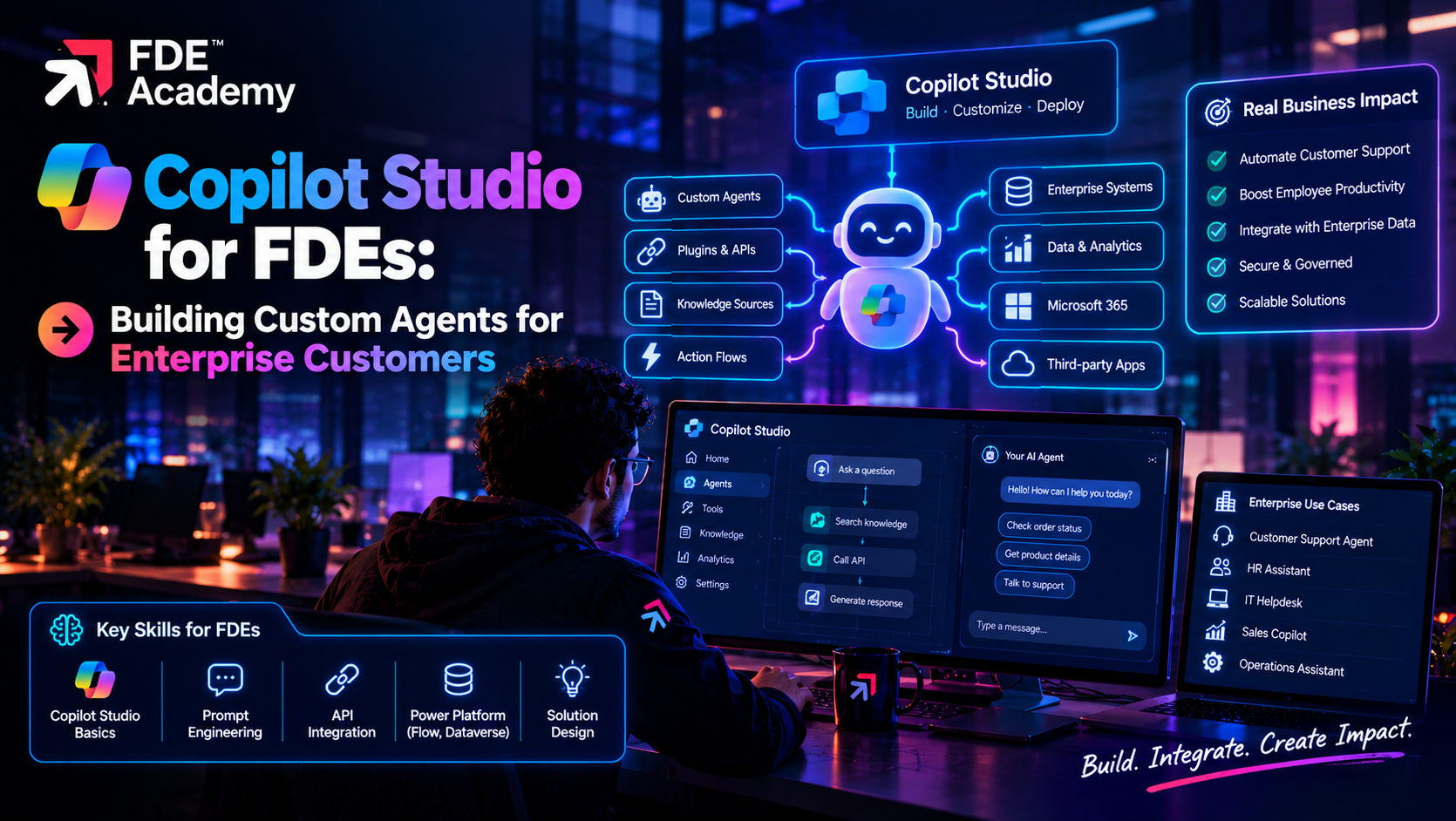
Microsoft describes Copilot Studio as a graphical, low-code studio for building and managing AI-powered agents and workflows. An agent, in Microsoft's words, is an AI assistant that handles conversations and completes tasks. It follows the instructions you give it, draws on the knowledge sources you connect, and uses tools to take action.
Agents can serve employees and customers across channels such as Microsoft Teams, Microsoft Copilot, websites and mobile apps. Microsoft says you can create one by describing it in plain language, and that the studio offers depth for professional makers.
Two other building blocks matter for FDEs. Agent flows have an authoring experience similar to Power Automate but native to Copilot Studio, and can run standalone or be attached to an agent as a tool that returns results to it. They can run prompts, call agents and include human review steps. And you can extend Microsoft Copilot with your own instructions, tools and knowledge.
An FDE's value is not the tool. It is deciding what to build, connecting it safely and making sure it works in the customer's real conditions.
It is rarely all or nothing: a common pattern is Copilot Studio as the front door, with custom services behind it exposed as tools. For the broader picture, see how FDEs build enterprise AI platforms and the FDE tech stack.
Use knowledge answers for open questions and structured topics or flows for steps that must happen the same way every time.
Microsoft's documentation explains that, with generative orchestration, the agent picks one or more tools, topics, other agents or knowledge sources to answer each message. The most important factor is their descriptions. Names and the names and descriptions of input and output parameters also matter.
This is a big shift from classic orchestration, which matched user messages to trigger phrases and called tools only from inside a topic. With generative orchestration, topics are chosen from their purpose descriptions, tools are called by name and description, knowledge is searched proactively, and the agent can combine several items and ask for missing inputs on its own. New agents use generative orchestration by default.
For FDEs, that makes descriptions your main control surface. Microsoft's guidance is to write them carefully:
Documented limits to plan around: no closed-list or regex entities as tool or topic inputs, limited disambiguation between closely matching topics, and limited conversation history, so the agent may re-ask for earlier information. The same query can behave differently in a new test conversation and a long one, so test both.
For the general concepts behind this, read AI agent orchestration for forward deployed engineers.
Agents become useful when they can reach customer systems. Copilot Studio offers several routes:
On MCP, Microsoft states that for non-Microsoft products and external servers, you are responsible for the tools and resources you access from within Copilot Studio. Treat each external server as a third-party dependency and review what it can do. Our guide to MCP for FDEs goes deeper, and AI workflow automation for forward deployed engineers covers where flows fit.
Whatever the route, apply least privilege: give each tool only the access it needs, and prefer actions that run with the user's own permissions.
Enterprise customers will ask about this before they approve anything, so know the answers. According to Microsoft's security and governance documentation:
Tell customers what the platform does not do, so they can add their own controls. For wider guidance, see AI governance for forward deployed engineers.
Write one sentence on what the agent does and one on what it must not do. Pick a use case with a clear owner and measurable outcome.
Who will use it, which systems hold the answers, and who is allowed to see what? Resolve permissions before building, not after.
Connect a small set of trusted sources first. Remove outdated or duplicate documents. Add tools only when the agent needs to act, not just answer.
Spell out tone, escalation rules and refusal behaviour. Write clear, non-overlapping descriptions for every topic and tool.
Anything that spends money, changes records or contacts customers should pause for a person. Agent flows can include human review steps.
Collect real questions, including unclear, hostile and out-of-scope ones. Check answers against the source, tool arguments and refusals. Test long conversations as well as fresh ones.
Launch to a small group, track resolution and escalation, and add every failure to the test set.
This is a hypothetical example to show the approach; the company and results are invented.
A mid-sized manufacturer in Pune has an IT helpdesk that answers the same questions daily: password resets, VPN setup, software requests. Employees live in Microsoft Teams.
Scope. The agent answers common questions from approved IT articles, creates a ticket when it cannot help, and starts a software-request approval. It must not reset passwords itself and must never reveal other employees' details.
Build. The FDE connects the IT knowledge base as the only knowledge source, adds a ticketing connector as a tool and an agent flow for the approval, which includes a manager review step. Descriptions are written to separate "create a support ticket" from "request software", with a line stating what each does not do.
Governance. The customer's admin places the work in a dedicated environment, applies a data policy that blocks unapproved connectors and sets tools to run with the user's credentials.
Testing. The team replays a few hundred past helpdesk messages, adds ambiguous ones such as "my access is broken", and checks that vague messages lead to a clarifying question, not a wrong action. Two overlapping descriptions are rewritten after the agent picks the wrong tool.
Pilot. One office goes first. Weekly review of unanswered questions drives knowledge fixes, which the IT lead makes without a code release.
Instruction design, API and connector basics, identity and permissions, evaluation and customer communication. Our tools used by forward deployed engineers overview and the wider shift described in the rise of agentic AI show where this fits.
TL;DR:
Microsoft Copilot Studio is a low-code studio for building and managing AI agents that use your instructions, connected knowledge and tools to answer questions and complete tasks. For a forward deployed engineer, it is a fast route to a working customer agent inside a Microsoft estate, as long as you scope the job carefully, write clear tool descriptions, connect systems with least privilege, and test and govern the agent like any other production system. Use code when the use case outgrows the platform.
Copilot Studio is Microsoft's graphical, low-code studio for building and managing AI agents and workflows. Agents follow your instructions, draw on connected knowledge and use tools to take actions across channels such as Teams and websites.
Use it when the customer is in the Microsoft ecosystem, needs a working agent quickly, wants business teams to maintain parts of it and accepts platform guardrails. Use custom code when you need full control of models, retrieval, evaluation or runtime.
It lets the agent choose topics, tools, other agents and knowledge sources for each message based mainly on their descriptions, combine several of them, and ask for missing inputs itself. Classic orchestration used trigger phrases instead.
Microsoft's documentation says you can connect MCP servers and use their tools and resources, with generative orchestration turned on. Check the current documentation for supported features, and remember you are responsible for external servers you connect.
Use environments, Power Platform data policies, authentication settings, admin controls on publishing and connectors, and auditing and monitoring through Microsoft's admin and security tools. Add your own controls for anything the platform does not cover.
Replay real user questions, include ambiguous and hostile cases, check tool arguments and refusals, test both new and long conversations, pilot with a small group and add each failure to the test set.
The world is hiring - and this Academy prepares you for it.