Blogs
Make.com vs Zapier vs n8n: Picking an Automation Tool for Customers
Make.com vs Zapier vs n8n: Picking an Automation Tool for Customers
By
R&D, FDE Academy
November 16, 2026

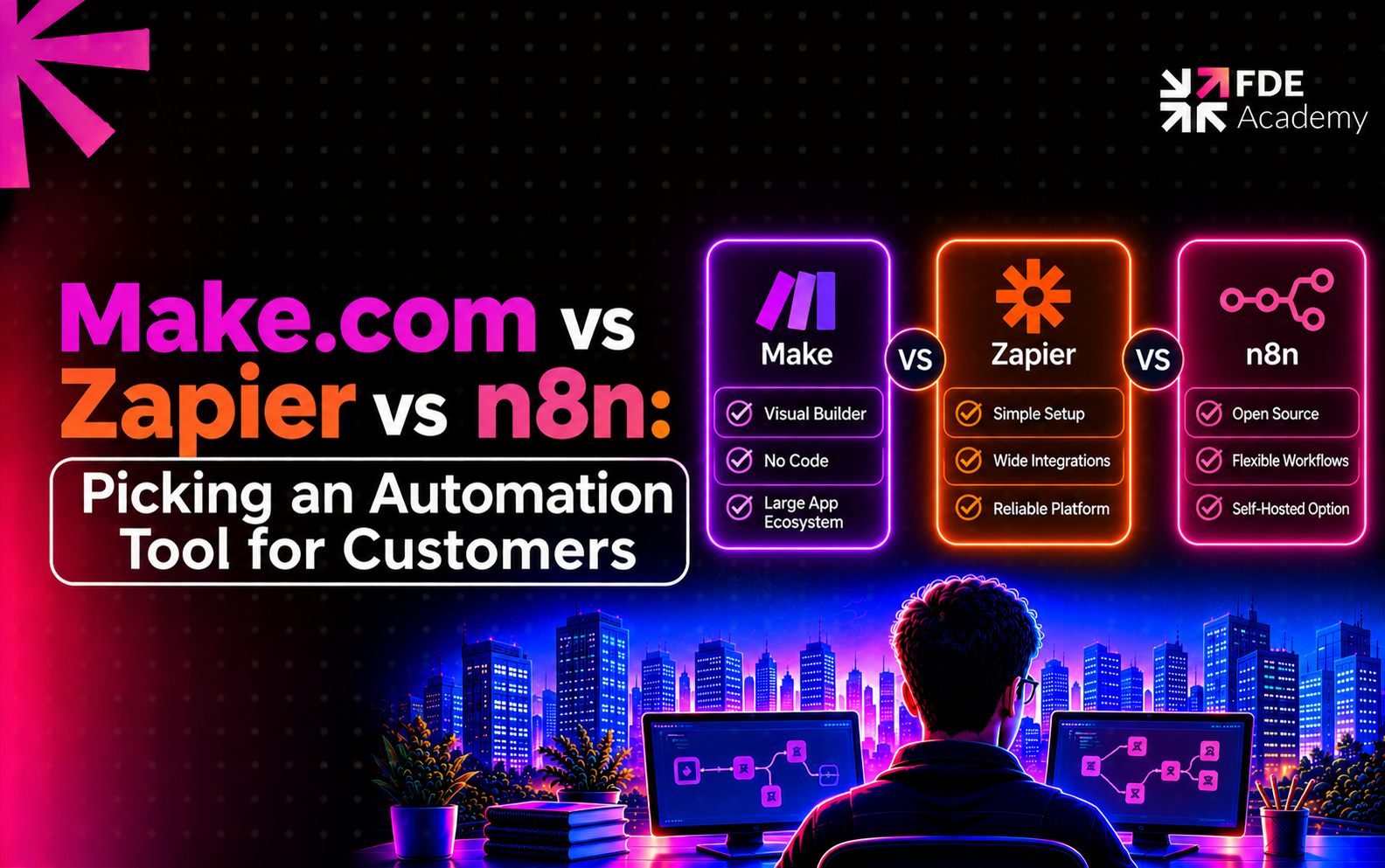
Picking between Make.com, Zapier and n8n looks like a features comparison. For customer projects, it is really an ownership decision. The tool you choose decides who can edit the workflow next month, where customer data travels, and what the bill looks like when volume triples.
Here is the short answer. Choose Zapier when the customer's own team will run and edit automations and speed matters most. Choose Make.com when workflows need visual branching and you want lower cost per operation. Choose n8n when the customer needs self-hosting, data control, custom code or serious AI agent workflows.
The rest of this guide explains the trade-offs so you can defend the choice to a customer.
Make.com, Zapier and n8n are workflow automation platforms that connect apps and services through triggers and actions, so data moves between tools automatically without writing a full integration from scratch.
All three do the same basic job: when something happens in one system, run a series of steps in others. They differ in philosophy.
Zapier is built around simplicity. Workflows are called Zaps, usually linear, with a huge catalog of app integrations. It targets business users.
Make.com (formerly Integromat) uses a visual canvas where you drag modules onto a map and branch, route and iterate. Workflows are called scenarios. It sits between business users and technical builders.
n8n is a node-based tool aimed at technical users. It is source-available under a fair-code license, can be self-hosted or run on n8n's cloud, and supports JavaScript and Python code inside workflows.
This table summarizes the differences that matter most on customer projects.
No tool wins every row. The right pick depends on who will own the workflow and what the data requires.
Pricing is where customer projects get surprised, because each tool counts usage differently.
Zapier charges by task. Each successful action step in a Zap typically counts as one task. A ten-step workflow running 1,000 times can consume thousands of tasks. Simple, predictable at low volume, expensive at scale.
Make.com charges by usage units. Each module execution counts, and Make has changed its naming and plan structure over time, so check current terms. Because the visual builder handles branching and data transformation in fewer billable steps in many cases, it is often cheaper than Zapier for complex logic.
n8n charges per workflow execution on its cloud plans. A whole run counts once regardless of how many steps it contains. The self-hosted community edition is free to run, though you pay for servers, maintenance and some enterprise features. This model favors long, multi-step workflows and high volume.
Searches for n8n pricing and Make.com pricing are high, which tells you buyers are confused. Plans, limits and names change often. Always confirm numbers on each vendor's current pricing page, and model your customer's real monthly volume and average steps before quoting anyone.
Zapier's strength is that non-technical people can build, edit and understand workflows without help. For many customer teams, that is the winning factor.
Where it fits. Marketing, sales ops and support teams automating between common SaaS apps. Quick wins in days. Customers who want to maintain things themselves.
Where it struggles. Heavy branching, large data volumes and workflows with many steps push cost up fast. There is no self-hosting, so strict data residency requirements may rule it out. Deep custom logic needs workarounds.
Zapier has also added AI features and agent-style capabilities, which suit lightweight AI tasks inside familiar apps.
Make.com is often the sweet spot for consultants and agencies. The canvas shows data flowing through branches, filters, routers and iterators, which makes complex logic readable.
Where it fits. Multi-branch workflows, data transformation, array handling and scenarios where cost per operation matters. Teams with an operations lead comfortable with a more technical interface.
Where it struggles. The visual canvas can become hard to follow in large scenarios. Handover is harder than with Zapier because customers may find the interface intimidating. It is also cloud only.
When people search for Zapier alternatives, Make.com is frequently the first option evaluated, mainly on cost and flexibility.
n8n appeals to teams that want ownership. You can run it on your own infrastructure, inspect and extend it, and write code inside workflows.
Where it fits. Customers with data residency or compliance needs, technical teams, high-volume automations and AI agent workflows that call models, tools and APIs. n8n self hosted is a common answer to "customer data cannot leave our environment."
Where it struggles. Someone has to operate it. Self-hosting means upgrades, backups, monitoring, security patching and scaling. The catalog of ready-made integrations is smaller, so you will sometimes call APIs directly. Non-technical customers usually cannot maintain it alone.
Also read the license carefully. n8n uses a fair-code model rather than a standard open source license, which limits some commercial uses such as reselling it as a hosted service. Check the current terms before building a product on top of it.
Ask these questions in order. The first clear answer usually decides it.
If the answers conflict, favor the choice that the customer can safely maintain. A slightly less elegant workflow that the customer understands beats a clever one only you can fix.
The tool matters less than how you deliver it. These practices protect you and the customer.
Automation platforms are excellent until they are not. Signals that a workflow should become a proper service include high volume that makes task pricing painful, strict latency needs, complex business logic that is hard to test, and workflows that have become mission critical.
At that point, moving the logic into tested code with proper deployment, monitoring and version control is cheaper than patching the workflow forever. Many customer projects start in a tool for speed and graduate the core flows later.
Choosing the tool is the easy part. The hard part is mapping the customer's real process, connecting messy systems, handling edge cases and getting the team to trust the result.
That is the work of a forward deployed engineer: someone embedded with the customer who owns the outcome from discovery to production. Automation tools are part of the toolkit, alongside code. The tech stack forward deployed engineers use often includes workflow tools for quick wins and custom services where reliability demands it, and forward deployed engineers do code when the tools run out.
Many of the failure patterns described in why AI projects fail and how forward deployed engineers fix it apply to automation too: unclear ownership, missing monitoring and poor handover. The skills a forward deployed engineer needs include exactly these delivery habits. To see how this plays out daily, read a day in the life of a forward deployed engineer.
If you already build automations for clients, the move is realistic. See the guide on going from solutions engineer to forward deployed engineer.
None is best for everyone. Zapier is easiest for non-technical teams, Make.com is strong for complex visual workflows at a lower cost, and n8n is best when you need self-hosting, code and control. Choose based on who maintains the workflow and where data must live.
For simple, low-volume app-to-app automations, yes. For self-hosting, custom code, high-volume workflows or advanced AI agent logic, Zapier is not a direct replacement.
n8n can be self-hosted for free under its community edition, but you pay for infrastructure and maintenance. Its cloud plans and enterprise features are paid. The license is fair-code, not standard open source.
Cloud pricing is based on workflow executions and varies by plan, and self-hosting costs depend on your servers. Plans change often, so check n8n's current pricing page.
Often for complex multi-step workflows, because of how usage is counted, but it depends on your volume and plan. Model your real monthly usage on both vendors' current pricing before deciding.
Many agencies favor Make.com for visual flexibility and cost, Zapier for client-run automations and n8n for technical or data-sensitive projects. Whichever you choose, build in the client's own accounts and document everything.
The world is hiring - and this Academy prepares you for it.