Blogs
Salesforce Data Cloud Explained for Data and AI Deployments
Salesforce Data Cloud Explained for Data and AI Deployments
By
R&D, FDE Academy
November 7, 2026

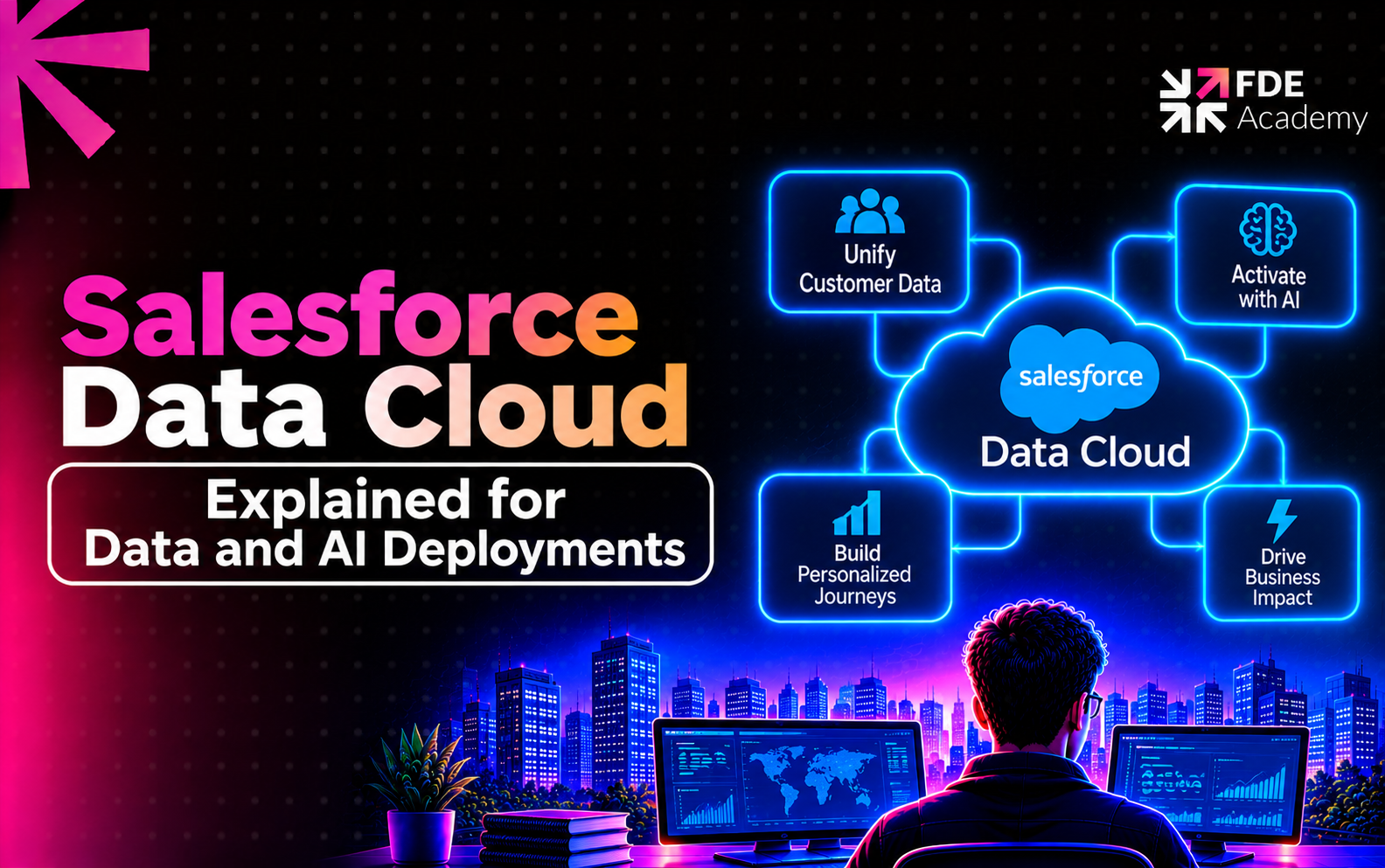
Salesforce Data Cloud is the data foundation underneath Salesforce's AI strategy. It gathers data scattered across CRM, web, apps, warehouses and files, resolves it into unified profiles, and makes it available to marketing, service, analytics and AI agents.
The short answer for teams planning a rollout: Data Cloud is worth it when your customer data is fragmented and you want AI agents or personalization to act on the full picture. It is not worth it as a generic data warehouse replacement. This guide explains how it works, what it takes to deploy, and where projects go wrong.
Salesforce Data Cloud is a real-time, hyperscale data platform inside the Salesforce ecosystem that ingests data from multiple sources, harmonizes it into a common model, unifies it into customer profiles through identity resolution, and activates it across Salesforce applications and AI agents.
Yes, the name has changed. Salesforce's own pages now present the product as "Data 360 (Formerly Data Cloud)," and Ahrefs shows searchers still use both names, with "salesforce data cloud" far more common than "salesforce data 360" for now. This article uses Data Cloud for recognition and notes Data 360 where the newer name applies. Features and pricing may be labeled either way in documentation, so check both when you research.
It is often described as a customer data platform, or CDP. That is accurate but incomplete. Data Cloud also supports analytics, data federation, unstructured data and AI grounding, which pushes it beyond a classic marketing CDP.
The Salesforce Data Cloud architecture follows a clear flow from raw data to action. Understanding it helps you scope a project and explain it to stakeholders.
Two ideas deserve emphasis.
Mapping to a common model is the real work. Raw data in a data lake object means little until it is mapped to data model objects such as Individual, Account or Sales Order. This is where business definitions get decided.
Identity resolution creates the unified profile. Matching rules decide whether "J. Sharma" in your commerce system and "Jay Sharma" in your CRM are one person. Looser rules merge more records but risk false matches. Stricter rules are safer but leave duplicates.
A major shift in Data Cloud is zero-copy data access. Instead of copying every table into Salesforce, you can query data where it already lives, in platforms such as Snowflake and Databricks, and work with it inside Data Cloud.
This matters for two reasons. It reduces duplicate storage and pipeline maintenance, and it keeps governance with the data owner. Enterprises with a mature warehouse often prefer this to rebuilding their data estate inside another vendor's platform.
The tradeoff is performance and cost. Federated queries depend on the source system, and some activations need data physically available in Data Cloud. Plan which datasets to ingest and which to federate based on latency, volume and how often they change.
AI is the main reason many teams now evaluate Data Cloud. A language model alone knows nothing about your customers. To give useful, accurate answers, an agent needs access to current, relevant, permitted data.
Data Cloud supports this in several ways:
The pattern behind a good Agentforce deployment is simple: the agent is only as good as the data it can see. If profiles are fragmented or stale, the agent will be confidently wrong. This is the same lesson behind why AI projects fail and how forward deployed engineers fix it.
Look for use cases where unified data changes a decision or an outcome.
Personalized marketing and next-best action. A single profile combining purchases, support history and web behavior lets teams segment on real behavior rather than guesswork.
Service agents with full context. An AI or human agent that sees open cases, recent orders and customer value gives better answers without asking the customer to repeat themselves.
Churn and propensity signals. Calculated insights can score customers from combined signals, then trigger outreach or an agent workflow.
Sales and account intelligence. Unifying product usage, support and billing data gives account teams a more complete view before renewal.
Regulated-industry personalization. Financial services and healthcare teams use consent and governance controls to personalize while respecting data policies.
If your use case works fine with data already inside one Salesforce cloud, you may not need Data Cloud yet.
A Salesforce Data Cloud implementation succeeds when it is scoped like a product launch, not a data migration.
Teams that skip steps 1 and 3 usually end up with a populated platform and no measurable result.
Salesforce Data Cloud pricing is consumption based, which means cost follows usage rather than a flat seat count. Typical cost drivers include data ingestion volume, data processing, identity resolution, segmentation and activation runs, and AI-related usage. Exact rates, bundles and edition inclusions change, and some editions include a starter allocation, so confirm current terms with Salesforce.
Searchers often ask how expensive it is. The honest answer is that it varies widely by data volume and use case, and a pilot that runs unconstrained can surprise you. Before committing, estimate credit consumption for your real volumes, set monitoring on usage, and agree on guardrails with finance.
Ingesting everything. Loading every table "just in case" inflates cost and complexity. Ingest what the use case needs.
Weak identity rules. Overly loose matching merges different people. Overly strict matching leaves duplicates. Both undermine personalization and AI answers.
Ignoring consent and governance. Unified data increases both value and risk. Build consent flags, data classification and access policies in from the start.
Treating it as an IT-only project. Without business owners defining segments and outcomes, the platform becomes a data store nobody uses.
Over-trusting AI outputs. Ground agents, limit their actions, and keep humans in the loop for consequential steps until accuracy is proven.
Data Cloud projects sit between several worlds. Salesforce admins know the platform. Data engineers know pipelines and warehouses. AI engineers know prompts and models. Business teams know what outcome matters. Few people span all four.
That gap is the job of a forward deployed engineer: someone embedded with the customer who owns a deployment from discovery through production and the result it produces. On a Data Cloud project, that means scoping the use case, mapping the data, tuning identity resolution, grounding an agent, and staying until the metric moves.
The skills a forward deployed engineer needs map closely to this work: data integration, system design and customer communication. Many of the components, from ingestion to retrieval to monitoring, also appear in the tech stack forward deployed engineers use. Demand for this profile is rising, as covered in why companies are hiring forward deployed engineers.
If you already work with data or customer systems, the move is realistic. See the guides on going from data engineer to forward deployed engineer and from solutions engineer to forward deployed engineer.
TL;DR
Salesforce Data Cloud is a real-time data platform that ingests data from many sources, maps it to a common model, unifies it into customer profiles and activates it across Salesforce apps and AI agents.
Salesforce now presents the product as Data 360, formerly Data Cloud. The names refer to the same platform, and both appear in documentation and search results.
It includes customer data platform capabilities such as profile unification and segmentation, but it goes further with data federation, unstructured data support and AI grounding, so it is broader than a traditional marketing CDP.
It provides unified, current customer data that Agentforce agents and prompts can use as context, supports vector search for documents, and works with the Einstein Trust Layer to apply security and privacy controls.
Pricing is consumption based and depends on data volume, processing and usage. Exact costs vary by contract and edition, so estimate credits for your real workload and confirm terms with Salesforce.
Not necessarily, but many enterprises keep a warehouse such as Snowflake or Databricks and use zero-copy federation so Data Cloud can access that data without duplicating it.
The world is hiring - and this Academy prepares you for it.