Blogs
Semantic Kernel: Building AI Apps on the Microsoft Stack (A Practical Guide for FDEs)
Semantic Kernel: Building AI Apps on the Microsoft Stack (A Practical Guide for FDEs)
By
R&D, FDE Academy
October 27, 2026

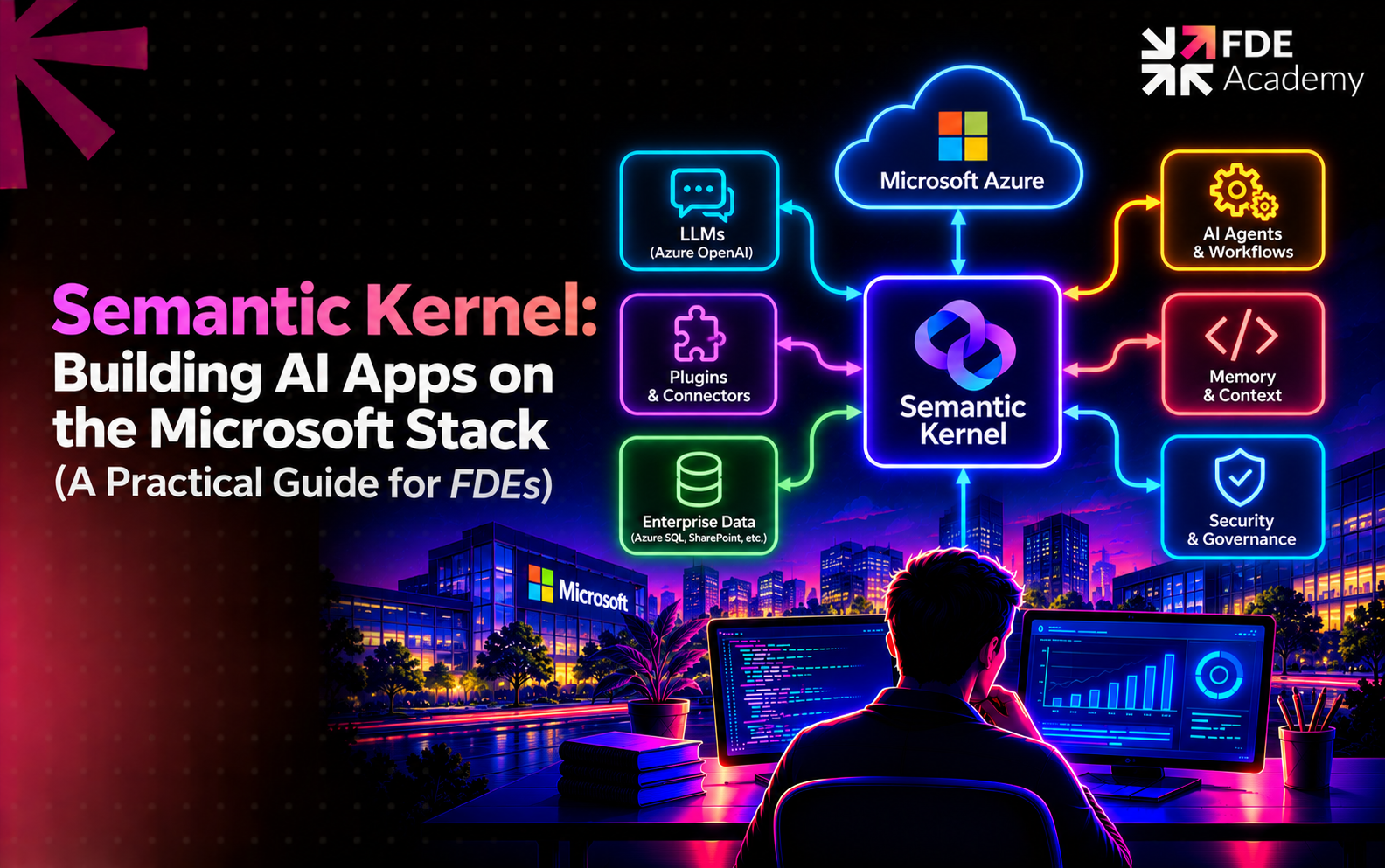
Microsoft's picture has moved. In a February 2026 post announcing a release candidate, Microsoft called Microsoft Agent Framework "the successor to Semantic Kernel and AutoGen" and encouraged Semantic Kernel users to move. In April 2026 Visual Studio Magazine reported the 1.0 release for .NET and Python, with stable APIs and a commitment to long-term support, and noted that Microsoft positions it as the successor for new agent-development work. The same report says Semantic Kernel remains active and was not described as deprecated, while AutoGen receives only bug fixes and critical security patches. The Semantic Kernel repository's README now announces that Semantic Kernel is "now Microsoft Agent Framework" and links a migration guide.
What this means in practice:
The rest of this guide explains Semantic Kernel as it is found in real codebases, then covers how to plan the move.
Microsoft describes Semantic Kernel as a lightweight, open-source development kit that lets you build AI agents and integrate AI models into your C#, Python or Java codebase, and as middleware for delivering enterprise-grade solutions. It reached 1.0 across all three languages with a commitment to non-breaking changes, according to Microsoft's introduction page.
Its core job is bridging models and your code. When a model asks to call a function, Semantic Kernel translates the request into a function call and passes the result back to the model. Microsoft also says you can swap in new models as they are released without rewriting your whole codebase.
Microsoft's components documentation lists the main building blocks.
The repository README adds that Semantic Kernel connects to many model providers including OpenAI and Azure OpenAI, can be extended through native functions, prompt templates, OpenAPI specs or the Model Context Protocol, and integrates with vector databases such as Azure AI Search.
Plugins are the feature FDEs use most. You wrap an existing function, describe it clearly and register it with the kernel; the model can then choose to call it. This example was run locally with Semantic Kernel 1.45.0 for Python, invoking the function directly with no model attached:
python
from typing import Annotated
from semantic_kernel import Kernel
from semantic_kernel.functions import kernel_function
class OrdersPlugin:
@kernel_function(
name="get_order_status",
description="Look up the status of one order by its order ID. Does not change the order.",
)
def get_order_status(
self, order_id: Annotated[str, "The order ID, e.g. A-1042"]
) -> Annotated[str, "Status text"]:
return {"A-1042": "Shipped"}.get(order_id, "Not found")
kernel = Kernel()
kernel.add_plugin(OrdersPlugin(), plugin_name="orders")
Three habits make plugins reliable:
For retrieval, expose search as a plugin or use the vector store connectors. How you retrieve depends on the problem; see fine-tuning vs RAG.
Enterprise customers care less about what the model can do and more about what it is allowed to do. Semantic Kernel's filters give you hooks for this. Microsoft's general-availability announcement (21 November 2024) describes three types:
Microsoft gives two example uses: removing personally identifiable information before data is sent to a model, and semantic caching built on the prompt render filter. Practitioners also use filters for logging, approvals and policy checks, though those are our examples rather than ones Microsoft lists in that post.
Filters are where the ideas in LLM guardrails and human-in-the-loop design become code, and where the accountability points in AI governance for forward deployed engineers get enforced. Microsoft's documentation also cites telemetry support and hooks and filters as the basis for delivering responsible AI at scale.
A typical Semantic Kernel application looks like this:
The surrounding platform decisions are covered in how FDEs build enterprise AI platforms, and customer data typically arrives through pipelines such as those in Azure Databricks setups.
Our agent concepts guide, AI agent orchestration for forward deployed engineers, applies to all three. Microsoft's own migration material for Agent Framework describes agents built around a model client, instructions and tools, typed graph-based workflows with human-input pauses and checkpointing, and middleware for cross-cutting concerns such as logging, security and error handling.
If a customer already runs Semantic Kernel:
This is a hypothetical example to show the approach; the company and details are invented.
A manufacturer's internal tools team built a .NET procurement assistant on Semantic Kernel. It answers questions about purchase orders and suppliers and can raise a purchase requisition.
Review. The FDE finds a clean set of plugins but vague descriptions, so the model sometimes picks the wrong one. The write-action plugin has no approval step.
Fixes. The FDE rewrites descriptions to say what each function does and does not do, splits a large plugin into narrow ones and adds a function invocation filter that requires user confirmation before any requisition is created. A prompt render filter removes bank details from supplier records before the model sees them.
Evaluation. The team builds a set of real procurement questions with expected tool calls, and runs it on every change.
Roadmap. Because Microsoft names Agent Framework as the successor, the FDE proposes migrating one low-risk flow first, keeping the test set to compare behaviour, and leaving the rest until value is proven.
C# or Python, API design, prompt and tool-description writing, retrieval basics, identity and secrets, evaluation and clear communication with customer engineers.
TL;DR: Semantic Kernel is Microsoft's open-source SDK for building AI applications and agents in C#, Python or Java. It connects models, turns your existing code into plugins the model can call, and exposes filters for logging, validation and approvals. Microsoft now calls Microsoft Agent Framework the successor for new agent work, so FDEs should learn Semantic Kernel's concepts (customers still run it) while planning new builds and migrations on Agent Framework.
Semantic Kernel is Microsoft's open-source SDK for building AI applications and agents in C#, Python or Java. It connects AI models, exposes your code as plugins the model can call, and provides filters for logging, validation and control.
Microsoft's repository now says Semantic Kernel is "now Microsoft Agent Framework" and calls Agent Framework the successor, with a migration guide. Press coverage in April 2026 said Semantic Kernel remained active and was not described as deprecated. Check Microsoft's current support policy before committing a customer to it.
Agent Framework is Microsoft's newer SDK for agents and workflows, built by the Semantic Kernel and AutoGen teams and positioned as the successor for new work. It reached 1.0 for .NET and Python in April 2026.
A plugin is a named container of functions. You describe each function, register the plugin with the kernel, and the model can request to call it. Semantic Kernel runs the function and returns the result to the model.
Use a code SDK when you need full control over models, tools, retrieval and testing, or when the customer already has a Semantic Kernel codebase. Use Copilot Studio when speed and business-team maintenance matter more. For new code projects, evaluate Agent Framework first.
The world is hiring - and this Academy prepares you for it.